Fix an SVG's cut-file size
Fixes SVG files that are importing at the wrong size in cutter software like Cricut Design Space.
If a file comes out of Illustrator, Inkscape, or another tool and imports way too big (or too small) — often by a consistent multiple, like 3× or 10× — this rewrites the file's declared size without re-tracing or changing a single path. Curious why this happens?
Nothing uploaded here is ever saved — the fix happens entirely in memory for this one request, and everything is discarded once the result is sent back.
Got a whole pattern PDF, not just one SVG?
QuietBookCut turns a hand-drawn sewing/appliqué pattern PDF into a cut-ready SVG — traces every piece and reads the handwritten colour notes for you. 5 free patterns a month, no card required.
Try QuietBookCut →Cricut shows a blank preview?
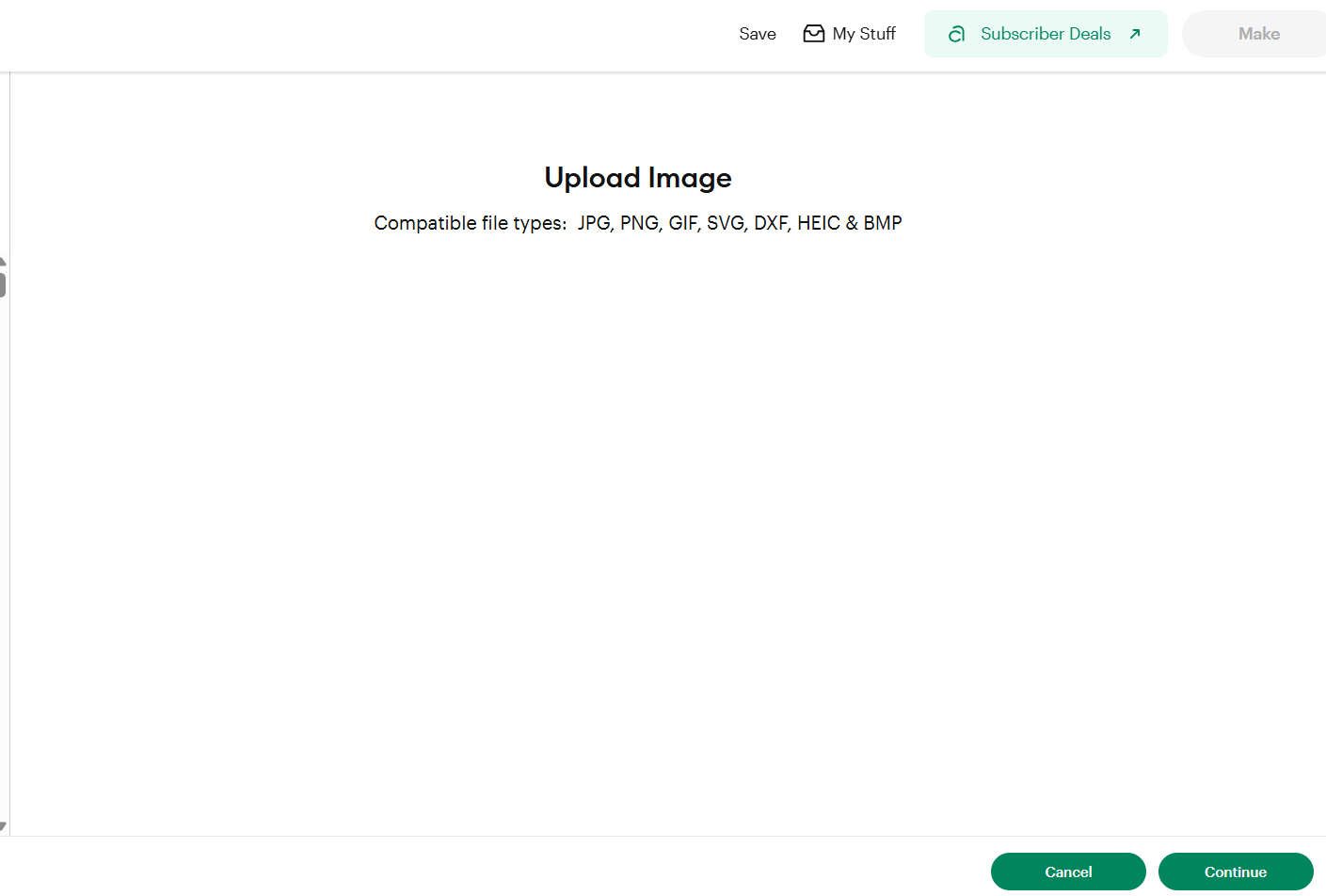
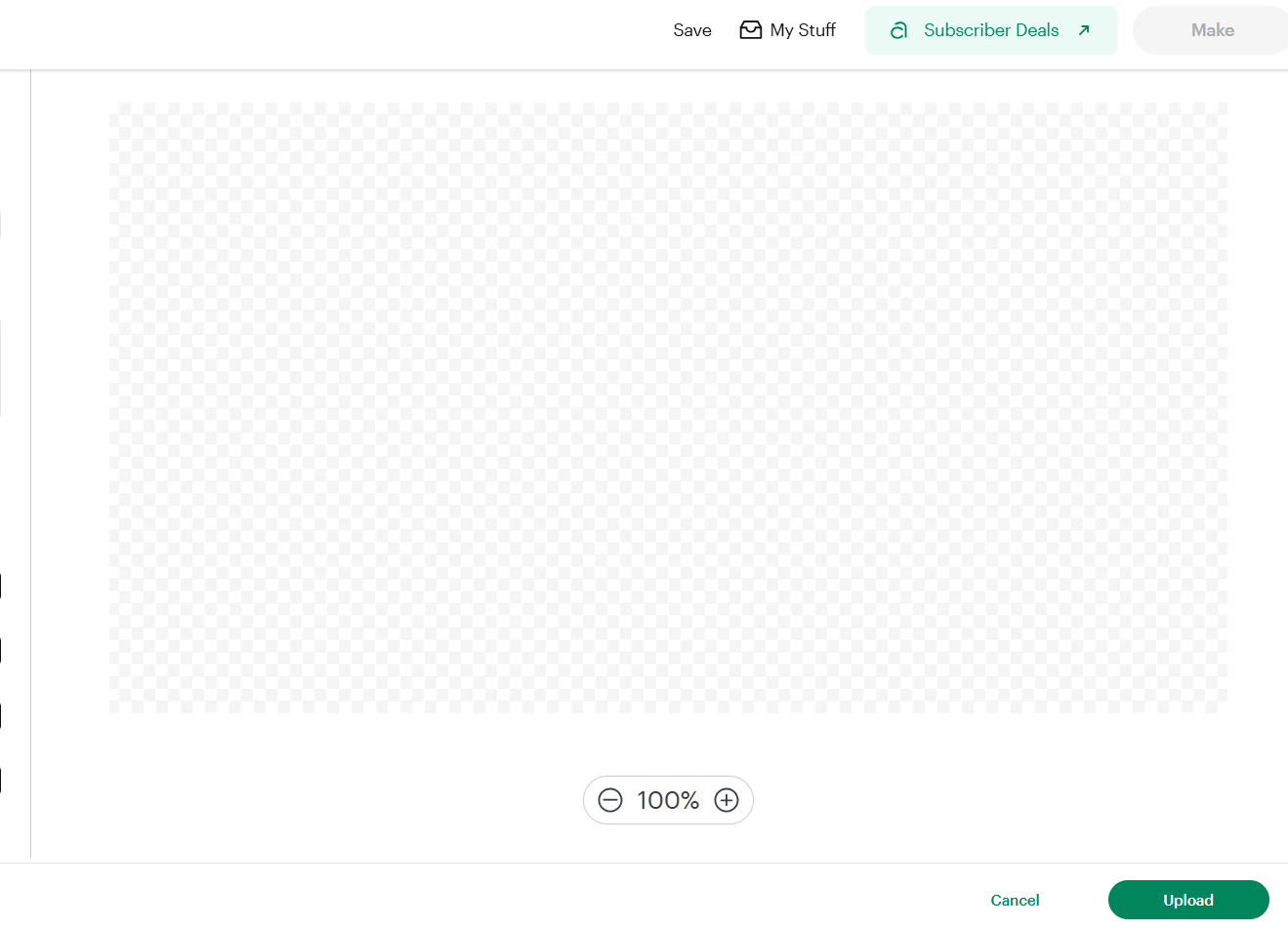
Just some SVGs may show empty on load — the file's fine. Click Continue / Upload anyway and it imports and cuts correctly.
Still importing at the wrong size?
No tool catches every case. Email us the original SVG and the fixed SVG this tool gave you back, attached to the email that opens, and we'll take a look. It helps if you can tell us how much bigger or smaller it came out and what size it should actually be — e.g. "23cm, too large in height — should be about 8cm."