Turn any PDF or scan
into a cut file.
Upload a pattern, template or drawing as a PDF or scan. QuietBookCut traces every shape and hands you a clean SVG or DXF for Cricut Design Space, Silhouette, ScanNCut, Sure Cuts A Lot or your laser cutter — at real size. Handwritten notes like “hippo body – pink felt” are read too, so pieces arrive grouped by color.
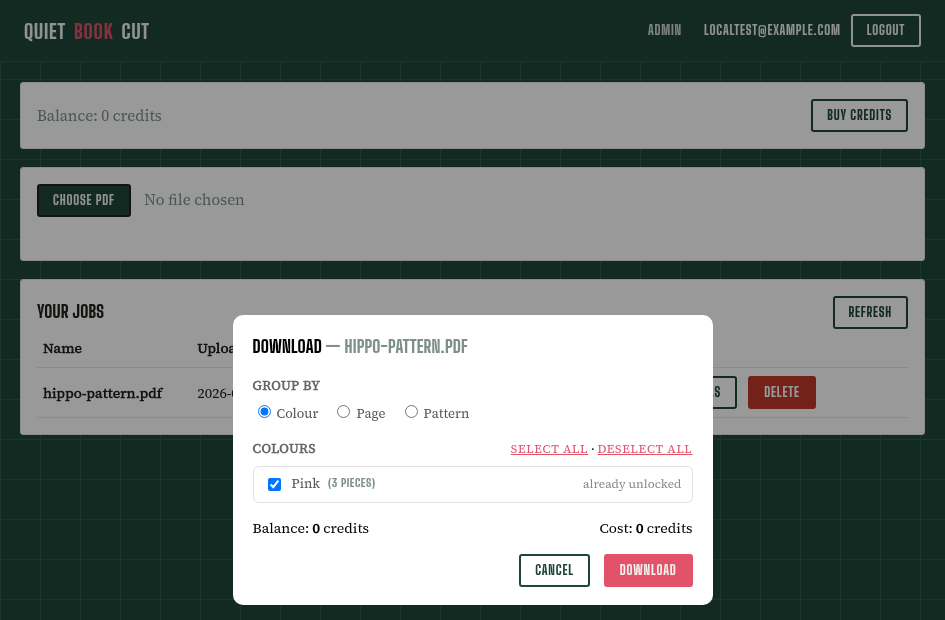
Upload a PDF and see it traced straight away. You only need a free account (25 pieces a month) to download.
💻 QuietBookCut works best on a computer. Sign up now on your phone, then log in on your PC — we'll email you the link, and your first computer login adds bonus credits.
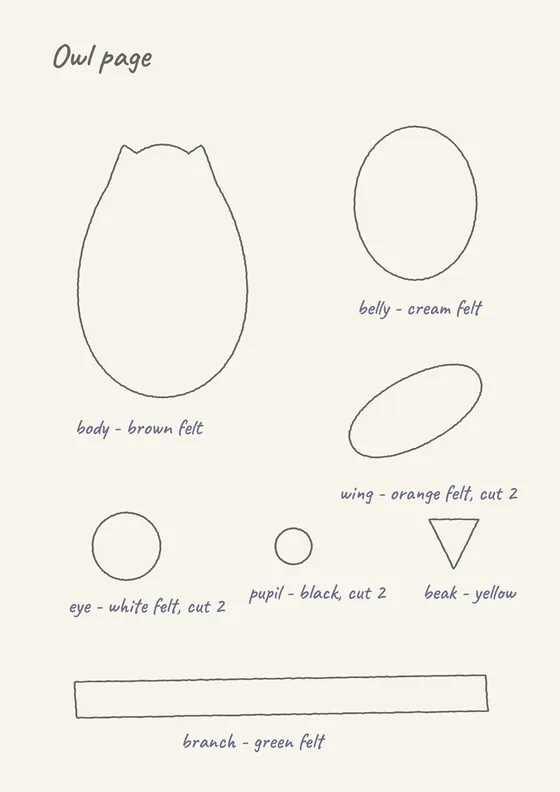
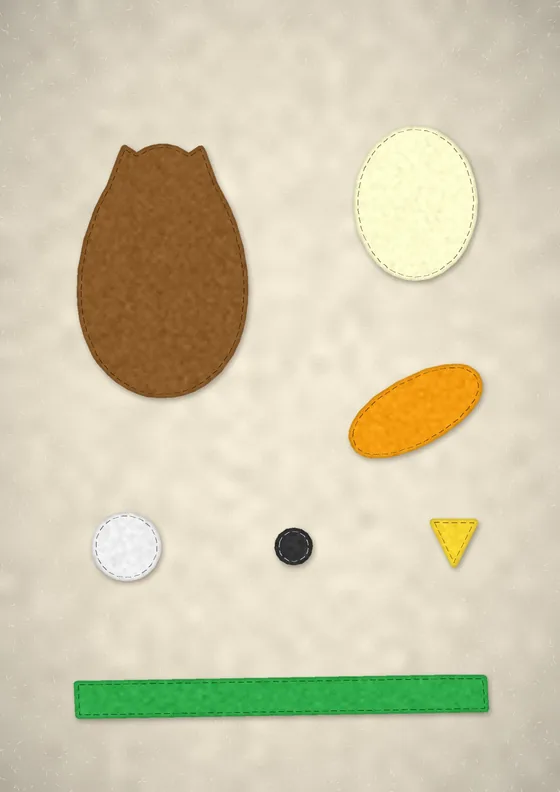
7 pieces → 7 color layers
- brown
- cream
- orange
- white
- black
- yellow
- green
Three steps, one afternoon of hand-tracing saved.
Upload your PDF or scan
Your pattern, template or drawing — hand-drawn lines and handwritten notes, exactly as they are. No cleanup needed first.
A PDF keeps the pattern's real size. Photographing the pages works too (the app does it for you).
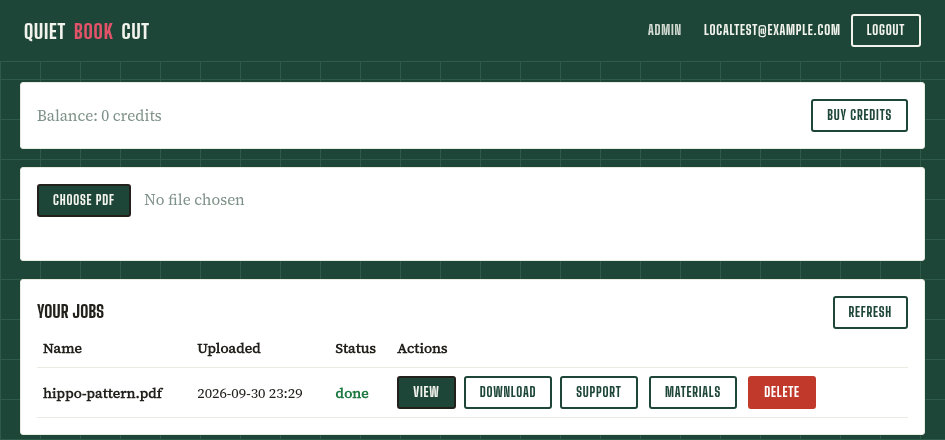
We read every note and trace every piece
Every page is scanned, the handwritten color notes included, and each outline is traced — you watch the pieces appear as they're found.
Now and then a stray mark resists tracing: add, adjust or recolor it in the editor before you download.
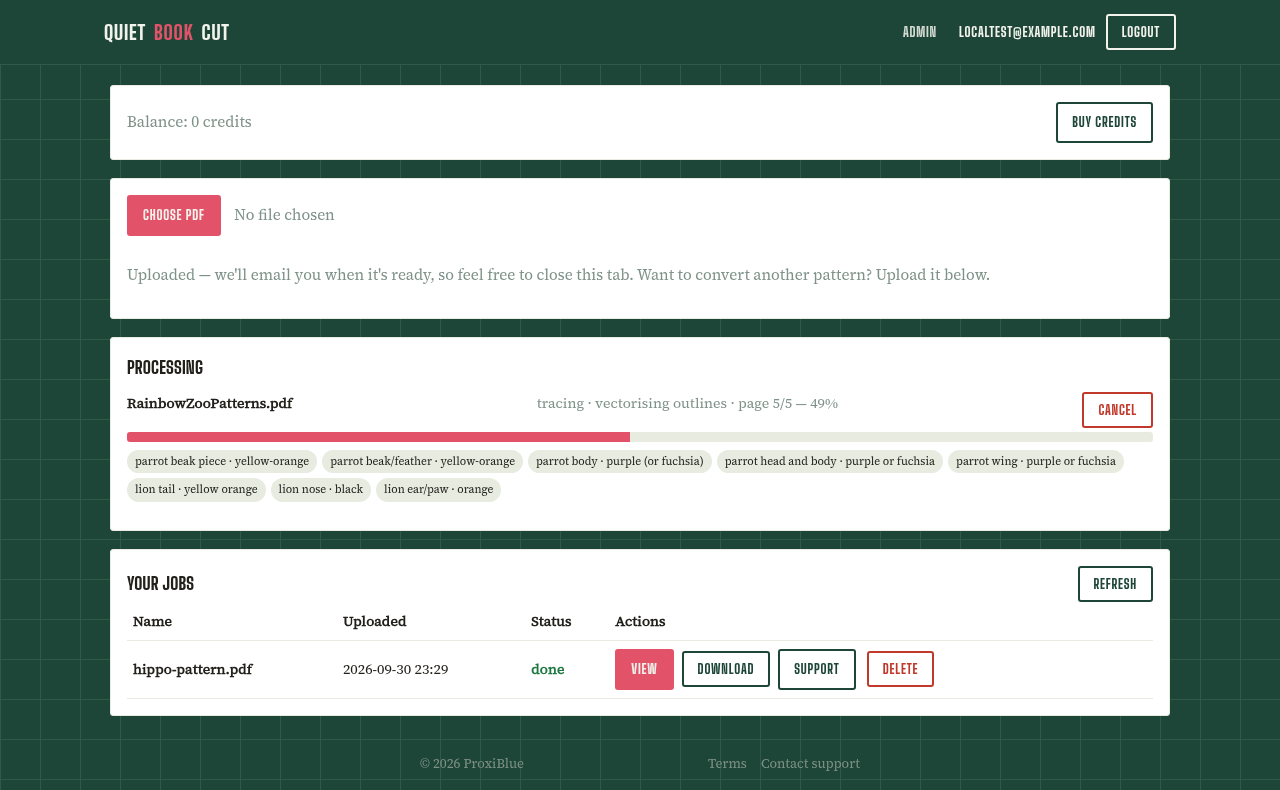
Download your cut file
Grouped by color, page or pattern — SVG, DXF or printable templates, ready for Sure Cuts A Lot, Cricut Design Space, Silhouette, ScanNCut or your laser.
If it's on paper or in a PDF, it can be a cut file.
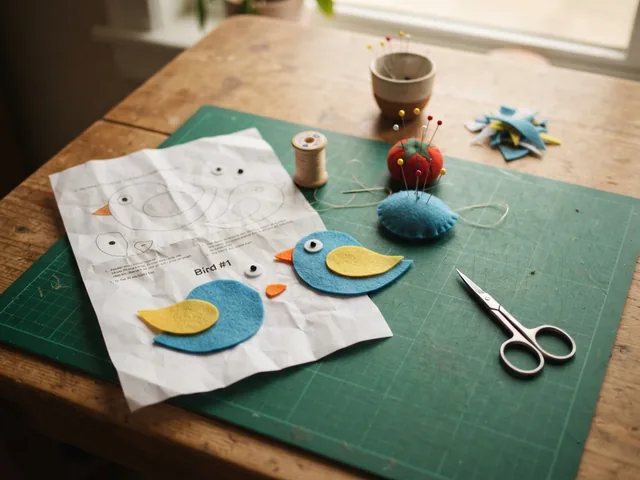
Sewing & appliqué
Pattern pieces traced and grouped by fabric color from the notes on the page.
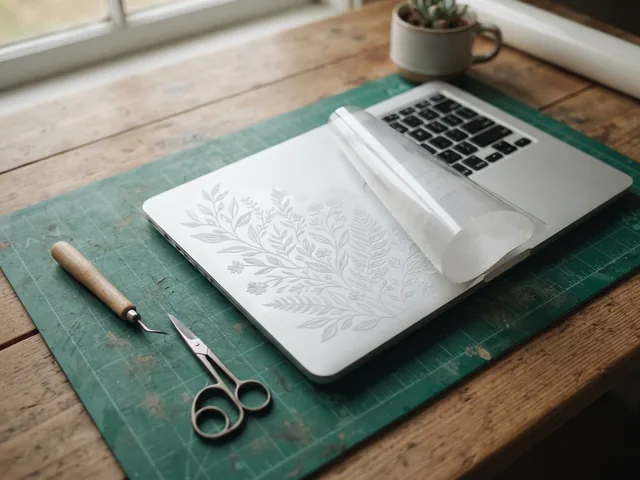
Vinyl decals & stickers
Line art and silhouettes become clean cut paths for your vinyl.
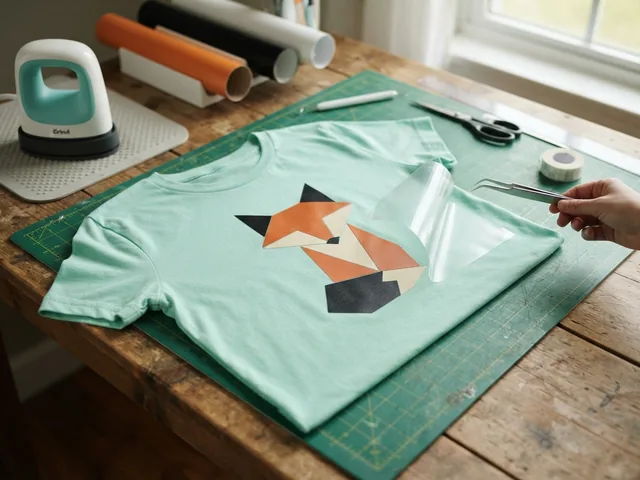
Iron-on for shirts
Trace the design for heat-transfer vinyl; mirror it in your cutter software and press.
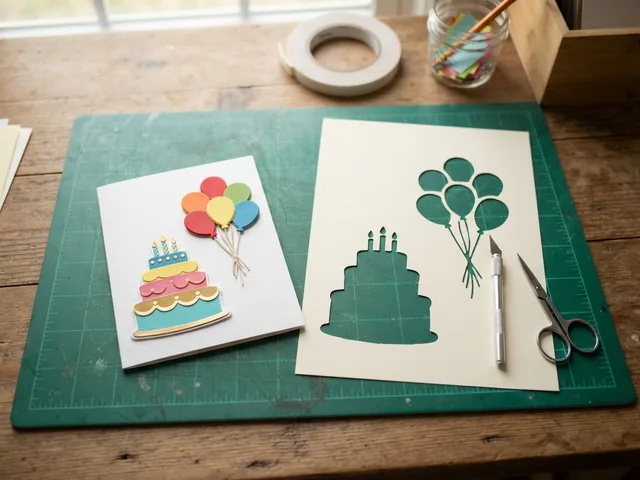
Cards & paper crafts
Templates and shapes from printed or PDF sheets, ready for card stock.
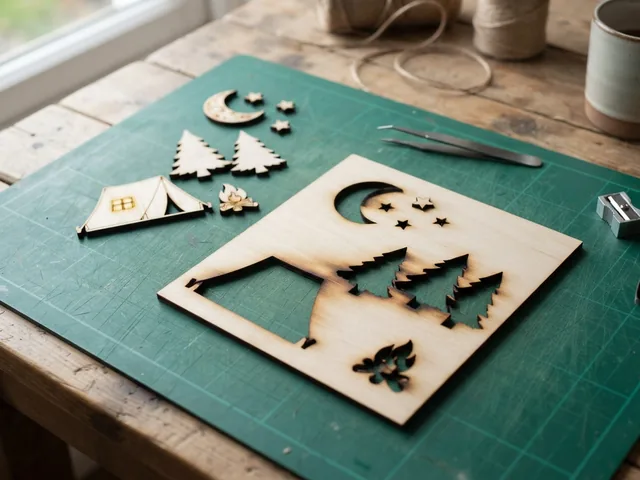
Laser cutting
SVG or DXF for xTool, Glowforge, LightBurn and other laser software.
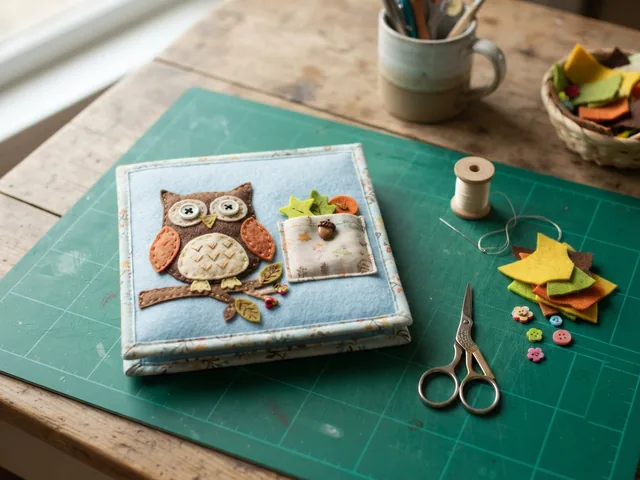
Felt, leather & foam
Quiet books, toys, ornaments and costume pieces at their real size.
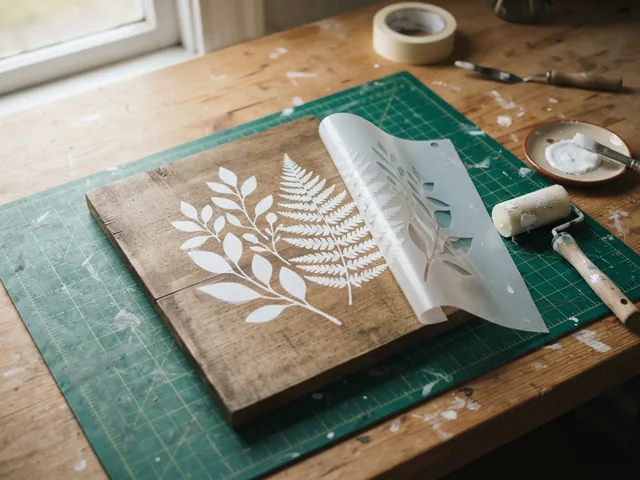
Stencils & signs
Painting stencils and lettering from a printed template.
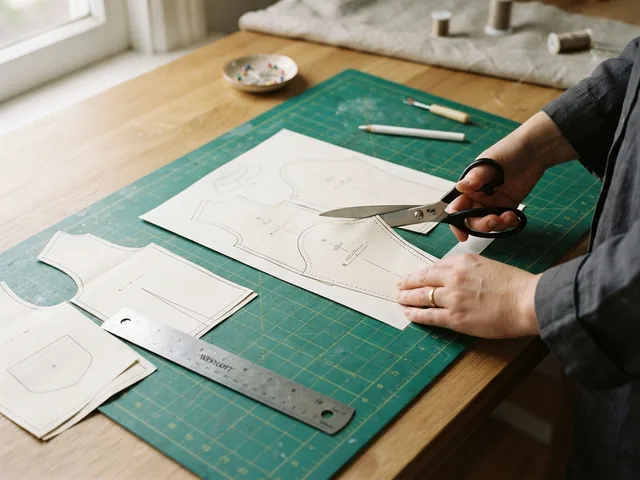
Cutting by hand?
Printable templates at true size, A4 or US Letter, with a check square.
Reads handwritten notes
No retyping color legends — the notes already on your pattern are the input.
Checks its own work
Pieces it couldn't confidently color are flagged for you instead of guessed.
Grouped your way
Download by color, page or pattern, each piece in the right layer, ready to cut.
Easy to fine-tune
Recolor a piece or re-cut a shape in the editor, no re-upload. Missing too much? Ask support straight from the job.
Why “QuietBookCut”? It started as a tool for my sister, who makes felt quiet books and spent evenings tracing pattern pieces by hand. The name stuck — the converter works for anything you need to cut. For patterns you own or may use; never a redistribution service. More about converting PDFs to SVG →
No pattern yet? Design your own quiet book.
Describe a shape in plain words and it's drawn as a cut-ready felt piece. Arrange it on your pages, see the page as felt, then download cut files for your cutter. Making and changing shapes is free — you only pay when you download.
- Peek-through windows and holes — eye windows, I-spy pockets, lacing holes, cut right into the shape.
- Story ideas — pick a classic tale and get a ready list of shapes to make.
- Break into parts — split a shape into movable pieces, or add features with AI.
- Real materials — felt, tulle, clear vinyl, zips, buttons, velcro, beads… listed for you to buy.
- Basic shapes free — circles, strips, hearts and clouds at an exact size, instantly.
- Double-layer pieces — loose pieces cut twice, so they stay stiff and hide the velcro.
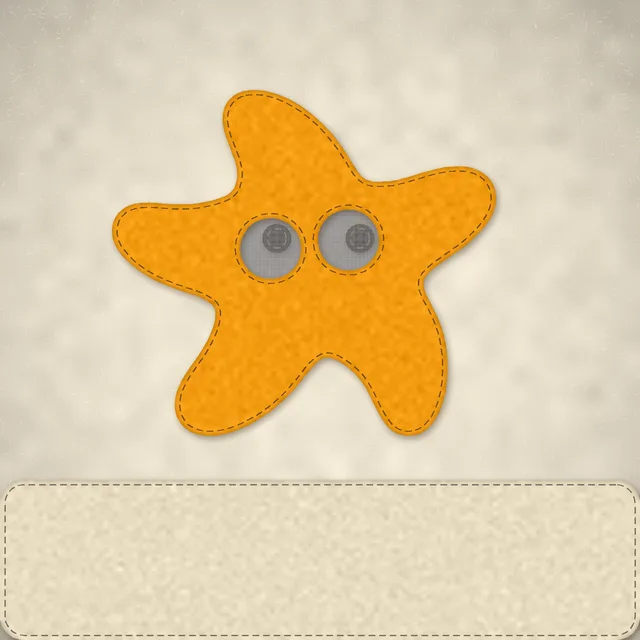
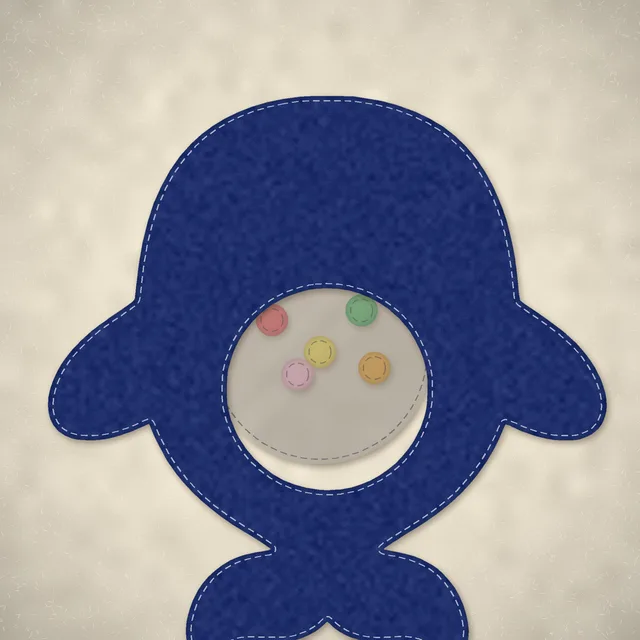
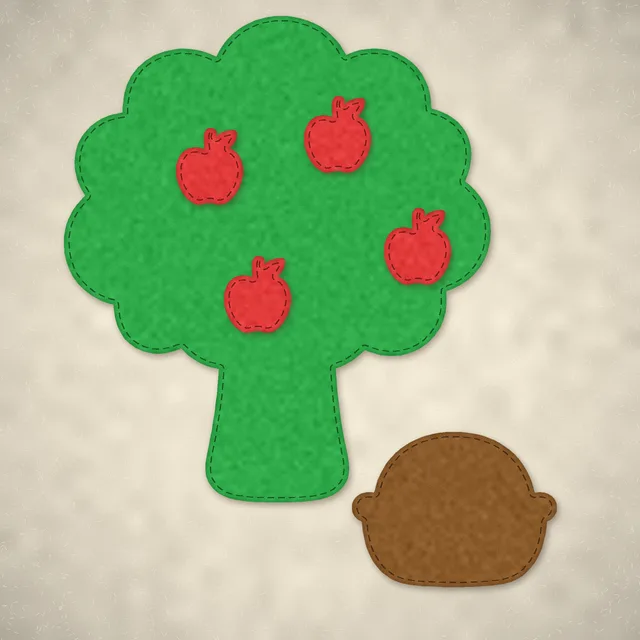
Making and changing shapes is free. You only pay when you download: 5 credits per shape, however many parts it has — a whole 30-shape book is about one $5 pack.
Simple, and mostly free.
Every account gets 25 free pieces a month. Every piece beyond that is 1 credit — that's the whole system.
An average quiet book is about 107 pieces, so one pack covers a whole book — plus your 25 free pieces every month.
Converting is always free and credits never expire; you only pay to download. Invite a friend: 50 credits when they first buy.
Bring your next pattern — we'll trace it.
Converting and previewing are free. No account needed until you download.