Cricut cheat sheets, all in one place
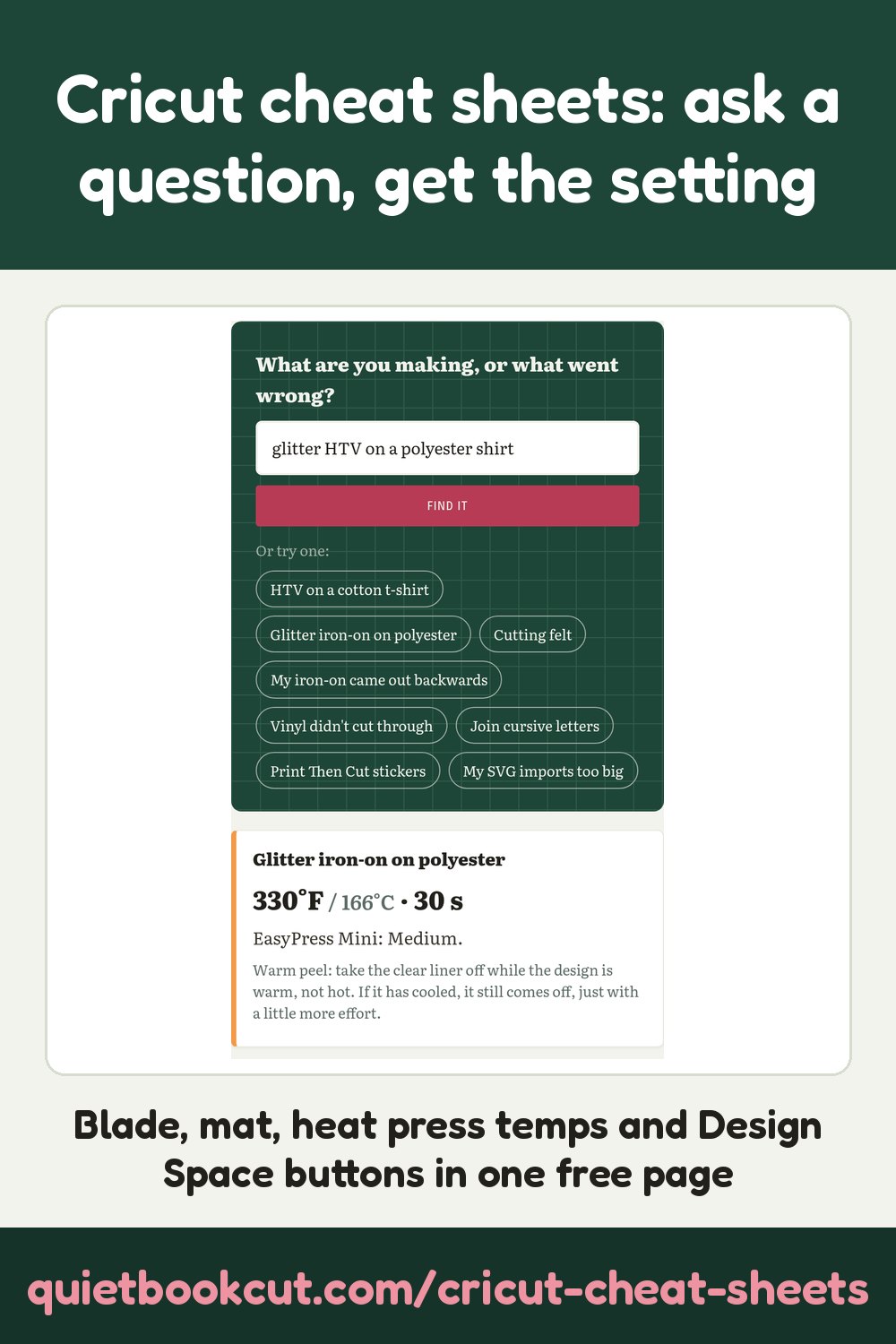
The charts crafters keep pinned above their machine: which blade, mat and setting to cut 66 materials, heat press temperatures for iron-on, the kinds of vinyl, and what every Design Space button does. Ask a question below, or jump to a sheet.
Free, no AI, no account. No AI is used on this page, so there's nothing to pay for: the search runs in your browser and what you type stays on your computer.
Cut settings: blade, mat and setting
Pick a material to see the blade, the setting to choose in Design Space and the mat. Always do a small test cut first.
Which mat?
The whole cutting chart
| Material | Blade | Setting | Mat | Note |
|---|
Heat press temperatures for iron-on
Starting points for a Cricut EasyPress. Presses and materials vary, so check Cricut's Heat Guide for your exact press and do a test press on a scrap first.
The whole heat chart
°F · seconds · EasyPress Mini setting (L, M, H). "see guide": we couldn't read that cell clearly on the chart we worked from, so we don't guess it.
Kinds of vinyl
Vinyl: shiny side up · Iron-on: shiny side down
Adhesive vinyl
Iron-on (HTV)
Design Space buttons: which one do I want?
Tap what you're trying to do.
Every button
Tools and what they're for
Sticker paper pressures (Explore Air, custom material)
| Sticker paper | Kiss cut pressure | Full cut pressure |
|---|
A kiss cut goes through the sticker but leaves the backing whole. Test on a corner first.
Tips from the crafting groups
Got a file that won't cut right?
SVG the wrong size, layers stacked, a PDF pattern or a picture you want to cut: our converters turn it into a clean cut file.
See the converters →Frequently asked
- What temperature do I press iron-on vinyl on a cotton shirt?
- As a starting point with a Cricut EasyPress, everyday iron-on on cotton or a cotton/poly blend is 315°F (157°C) for 30 seconds, Medium on the EasyPress Mini, and peeled warm. Glitter and holographic iron-on take 330°F. Always check Cricut's Heat Guide for your exact press and material.
- What is the difference between Weld, Attach and Group in Cricut Design Space?
- Group only moves and resizes layers together on the canvas. Attach keeps layers in exactly the same place when they go to the mat, and tells a pen or score line which shape to draw on. Weld joins overlapping layers into one outline and removes the cut lines where they overlap.
- Why did my iron-on come out backwards?
- Iron-on (heat transfer vinyl) must be mirrored before you cut it, and goes on the mat shiny side down. Adhesive vinyl goes shiny side up and is never mirrored.
The original charts
The charts as The Centsible Investor shared them in the group, so anyone can use them as a reference. Tap one to see it full size. Each chart belongs to the person who made it, named under it.
Where these come from
A big thank you to The Centsible Investor, who gathered the charts these sheets are written from in a Cricut Facebook group and let us share them. We rewrote the facts in our own words; the original charts belong to the people who made them, so please visit them for their full versions:
Cricut, Design Space, EasyPress, Infusible Ink and the machine names are Cricut, Inc. trademarks. QuietBookCut isn't connected to Cricut. Settings change with machines and materials: test first.